Codex CLI, Cursor, OpenCode and Kilo Code on one API key
Step-by-step setup for four popular coding tools on apmix: one base URL, one key, and every model in your plan, from GPT and Claude to Gemini and DeepSeek.
 The apmix teamPublished 3 min read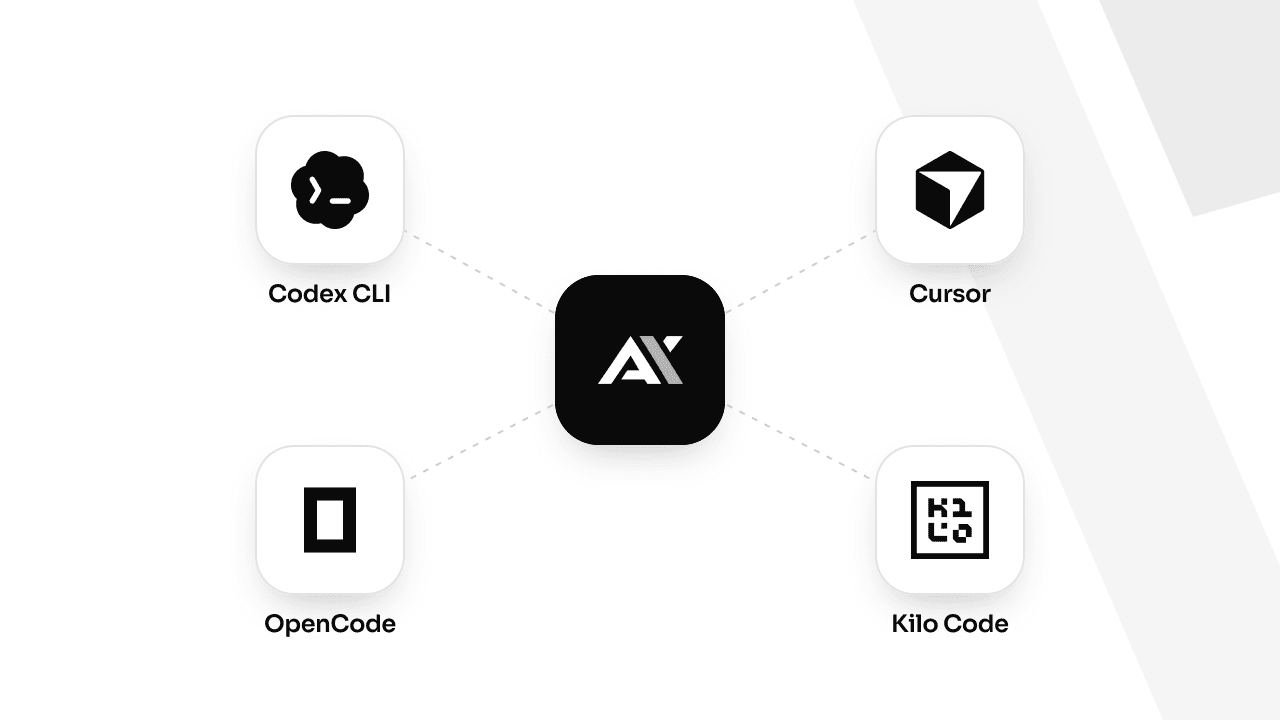
Most coding tools let you bring your own OpenAI-compatible endpoint. That is all apmix needs: point a tool at https://api.apmix.ai/v1, give it your apmix key, and every model in your plan is available in it, including Claude, Gemini, DeepSeek and Qwen, not only GPT.
Below is the setup for four of the most used tools. Each takes two or three minutes. Replace apx_live_YOUR_KEY with a key from your dashboard; the model ids come from the catalog.
Codex CLI
Codex is OpenAI's terminal agent. It reads custom providers from ~/.codex/config.toml and talks to the Responses API, which apmix serves at /v1/responses.
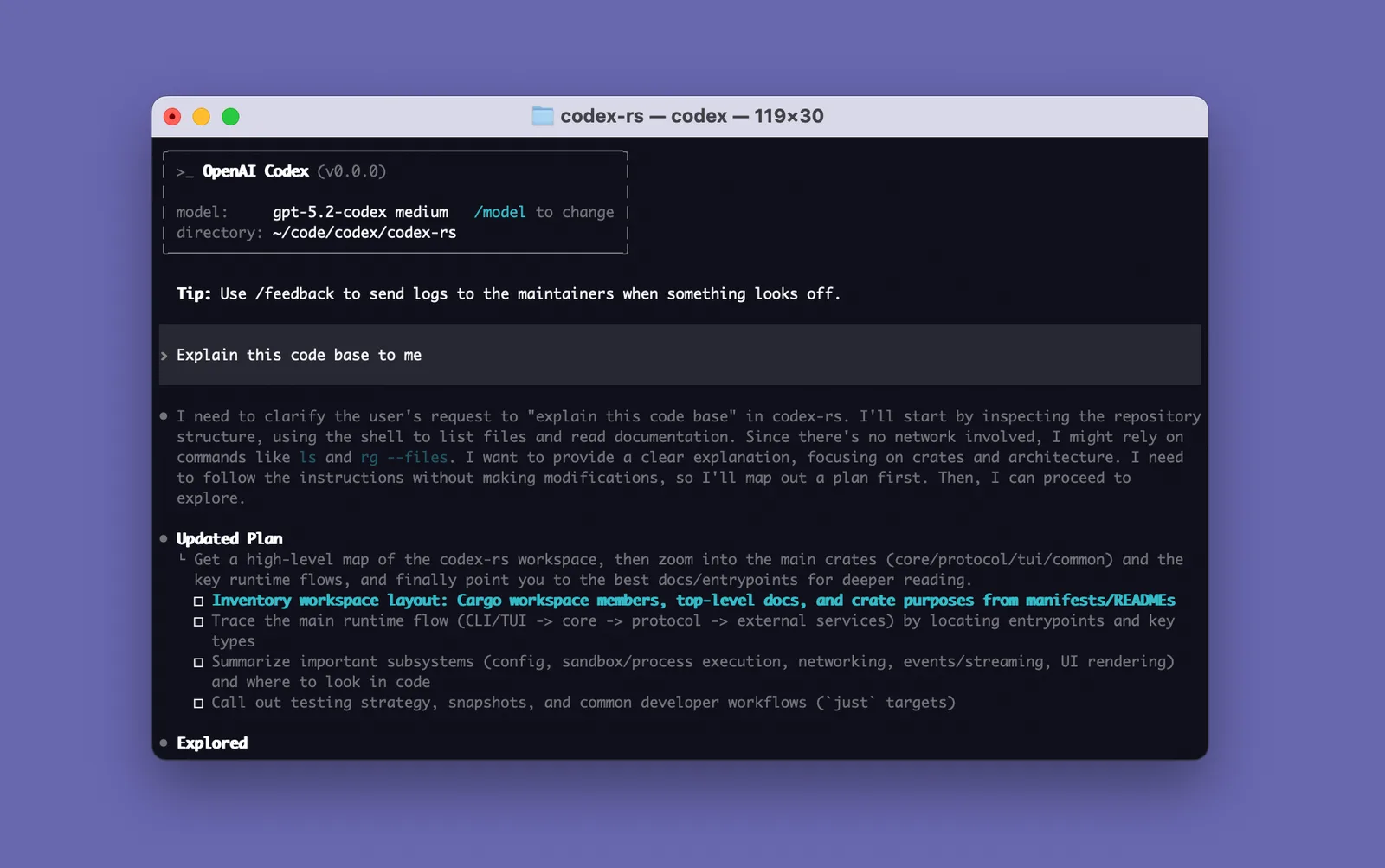
Install it (Node.js 18 or newer):
npm install -g @openai/codexRegister apmix as a provider and make it the default:
model = "gpt-5.6-luna"
model_provider = "apmix"

[model_providers.apmix]
name = "apmix"
base_url = "https://api.apmix.ai/v1"
env_key = "APMIX_API_KEY"
wire_api = "responses"
Codex reads the key from the variable named by env_key. Store it for future terminals:
echo 'export APMIX_API_KEY="apx_live_YOUR_KEY"' >> ~/.zshrc   # or ~/.bashrc
export APMIX_API_KEY="apx_live_YOUR_KEY"
On Windows, in PowerShell:
[Environment]::SetEnvironmentVariable("APMIX_API_KEY", "apx_live_YOUR_KEY", "User")
$env:APMIX_API_KEY = "apx_live_YOUR_KEY"
Open a new terminal and run codex inside your project. codex --model <id> switches the model for one session.
Cursor
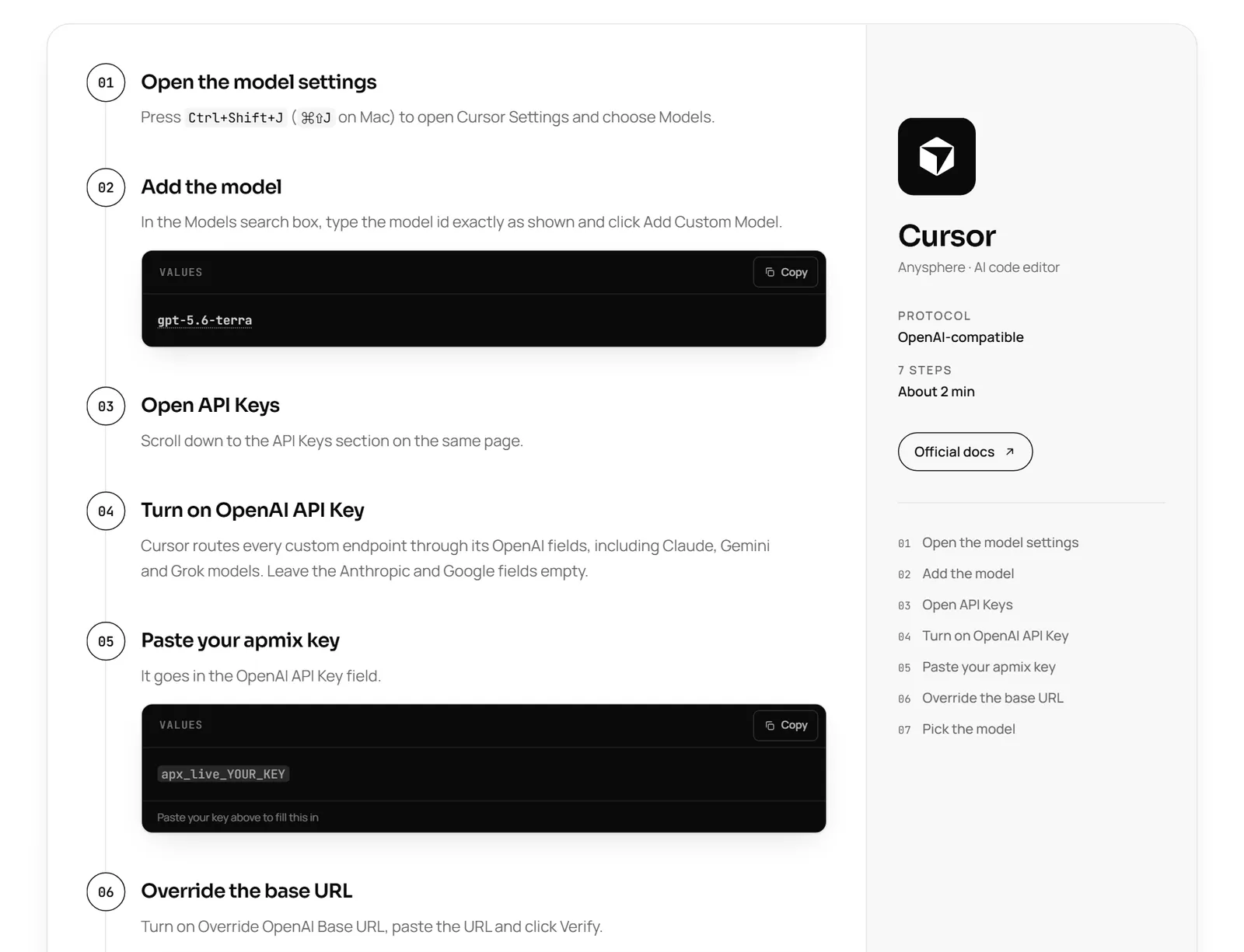
Cursor routes every custom endpoint through its OpenAI settings, including Claude, Gemini and Grok models.
- Press
Ctrl+Shift+J(⌘⇧Jon Mac) to open Cursor Settings, and choose Models. - In the search box, type the model id exactly, for example
gpt-5.6-terra, and click Add Custom Model. - Scroll down to API Keys and turn on OpenAI API Key. Leave the Anthropic and Google fields empty.
- Paste your apmix key into the OpenAI API Key field.
- Turn on Override OpenAI Base URL, paste
https://api.apmix.ai/v1and click Verify. - In the chat's model dropdown, turn off Auto and select your model.
Chat, Agent and Cmd+K now run on apmix. Tab completion keeps using Cursor's own models, as it does for every custom key.
OpenCode
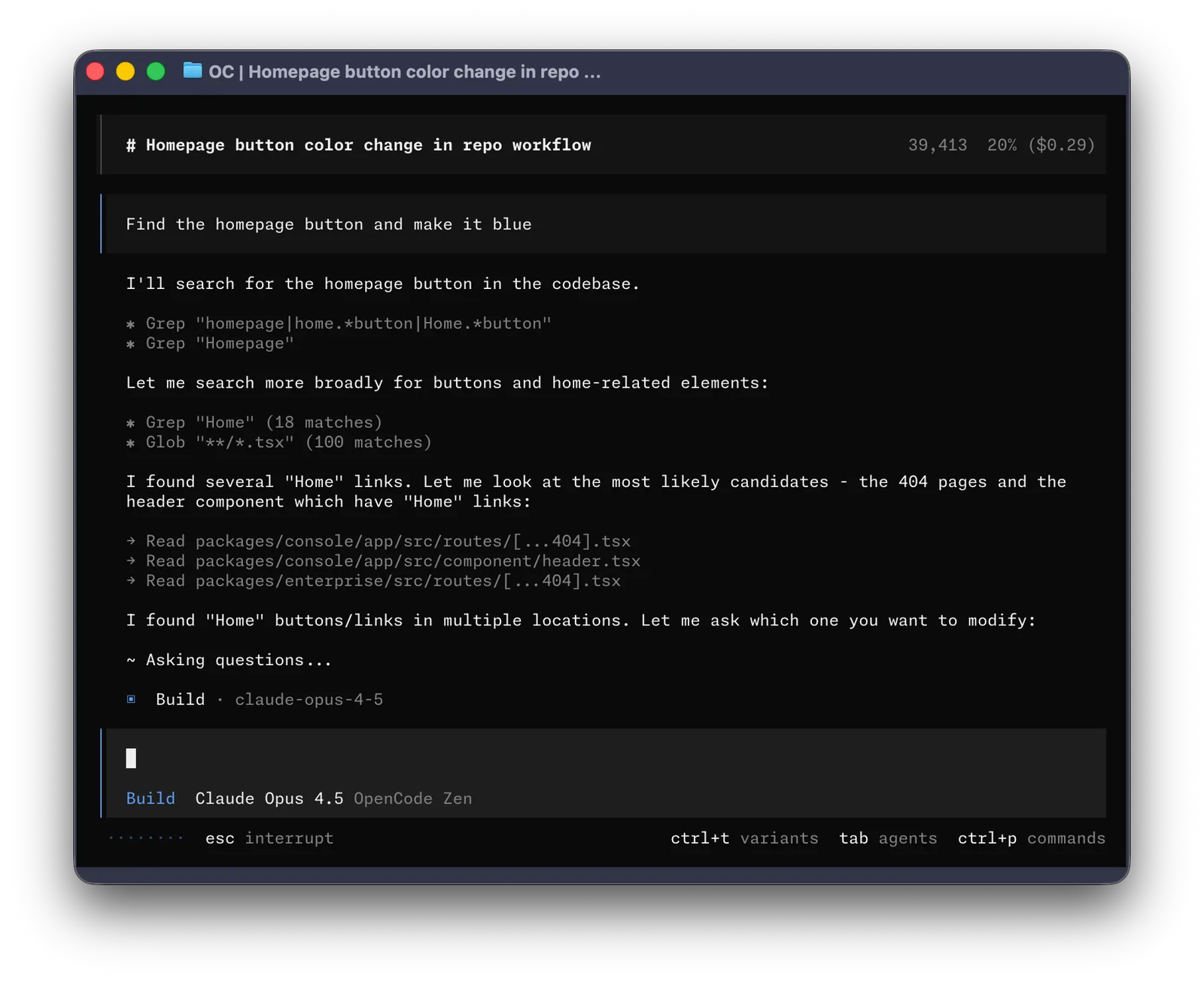
OpenCode is an open-source terminal agent. Install it with npm, or with the install script on macOS and Linux:
npm install -g opencode-aiAdd apmix as a provider in ~/.config/opencode/opencode.json (or in an opencode.json at the root of a project):
{
  "$schema": "https://opencode.ai/config.json",
  "model": "apmix/gpt-5.6-luna",
  "provider": {
    "apmix": {
      "npm": "@ai-sdk/openai-compatible",
      "name": "apmix",
      "options": { "baseURL": "https://api.apmix.ai/v1", "apiKey": "apx_live_YOUR_KEY" },
      "models": {
        "gpt-5.6-luna": { "name": "GPT 5.6 Luna" },
        "claude-sonnet-5": { "name": "Claude Sonnet 5" },
        "gemini-3.1-pro": { "name": "Gemini 3.1 Pro" }
      }
    }
  }
}
Start opencode and pick a model with /models; the apmix models appear in their own group. Add any other id from the catalog to the models map whenever you like.
Kilo Code
Kilo Code runs in VS Code, in JetBrains IDEs and in the terminal.
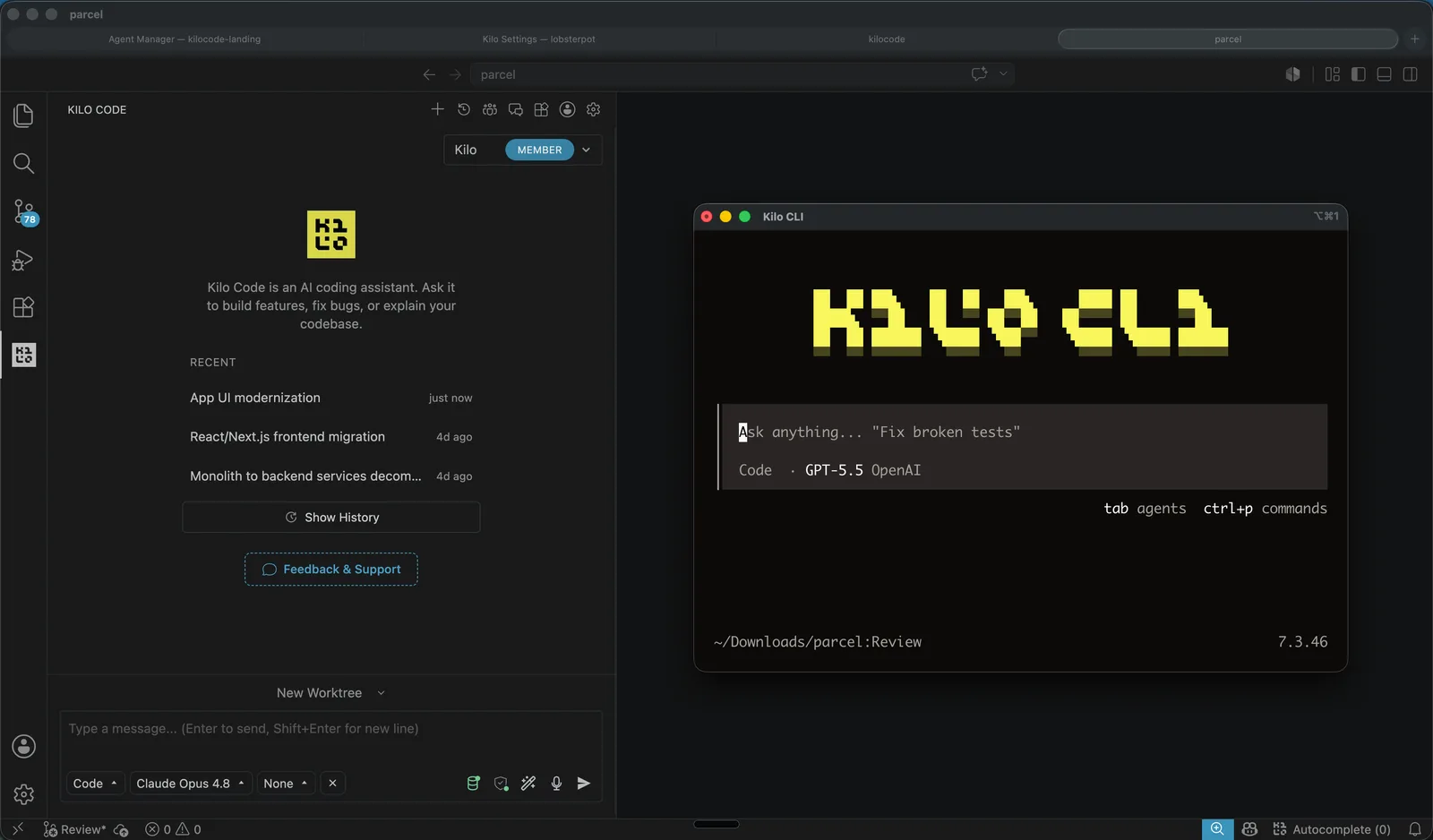
In the editor, install the Kilo Code extension, open its Settings (the gear), go to Providers and click Custom provider. Choose OpenAI Compatible and fill in:
Provider ID     apmix
Provider API    OpenAI Compatible
Base URL        https://api.apmix.ai/v1
API key         apx_live_YOUR_KEY
Model           gpt-5.6-luna
Kilo then lists every model your key can reach, straight from /v1/models.
In the terminal, install the CLI and give it the same provider. It is a fork of OpenCode and reads the same shape of config:
npm install -g @kilocode/cli{
"$schema": "https://app.kilo.ai/config.json",
"model": "apmix/gpt-5.6-luna",
"provider": {
"apmix": {
"npm": "@ai-sdk/openai-compatible",
"name": "apmix",
"options": { "baseURL": "https://api.apmix.ai/v1", "apiKey": "apx_live_YOUR_KEY" },
"models": {
"gpt-5.6-luna": { "name": "GPT 5.6 Luna", "tool_call": true },
"claude-sonnet-5": { "name": "Claude Sonnet 5", "tool_call": true }
}
}
}
}Restart the CLI, run kilo in your project and choose a model with /models.
Which model should you pick?
Any model in your plan works in all four tools, so pick by the job, not by the tool:
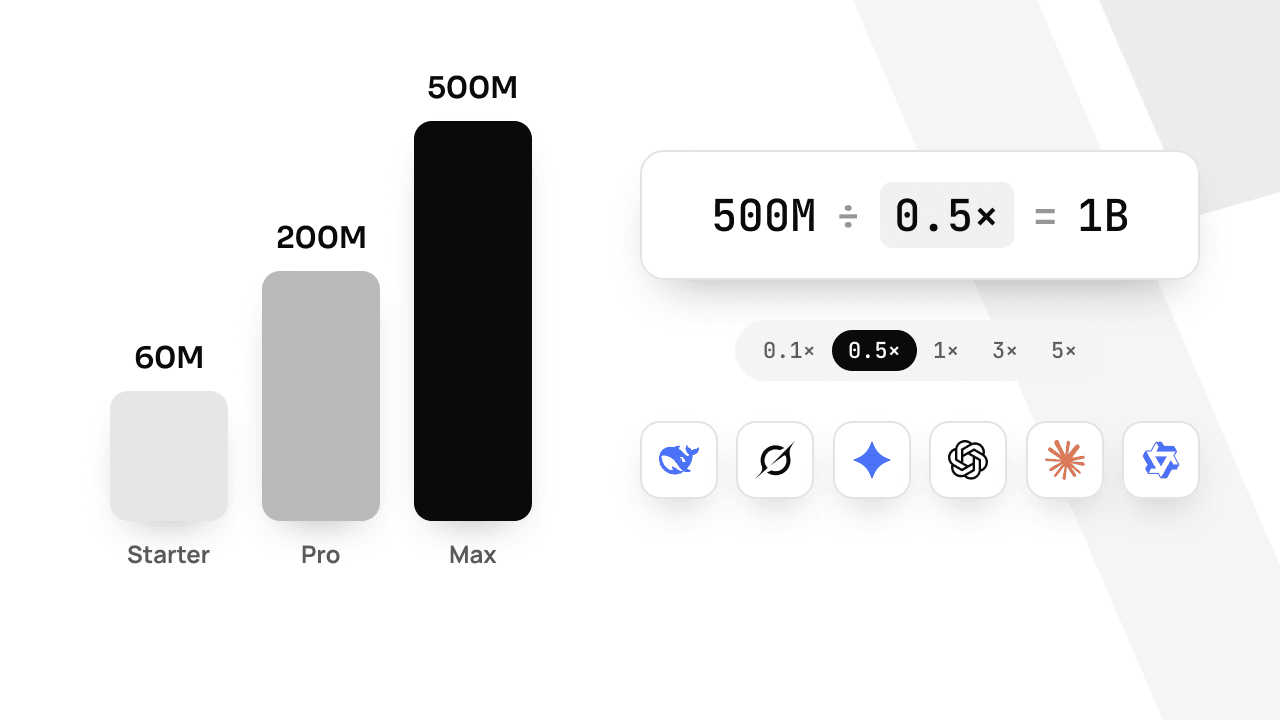
Every model has a weighted-token multiplier, so a fast model makes your allowance go further. The pricing page turns each plan's allowance into real tokens per model, and the live ranking shows what other developers run most right now.
Other tools
Pi, Kimi Code, Grok Build, DeepSeek Harness, Hermes and ZCode have their own recipes in the docs, and so does Claude Code. If your tool is not listed, look for a Base URL or Custom provider field: paste https://api.apmix.ai/v1 and your key, and use a model id from the catalog.