10B free tokens on GPT-6 Luna: how to join the October 2 community event
On October 2 at 17:00 UTC, apmix opens a shared pool of 10 billion tokens on gpt-6-luna-free for every account, on any plan or none. Here is how to be ready when it starts.
 The apmix teamPublished 3 min read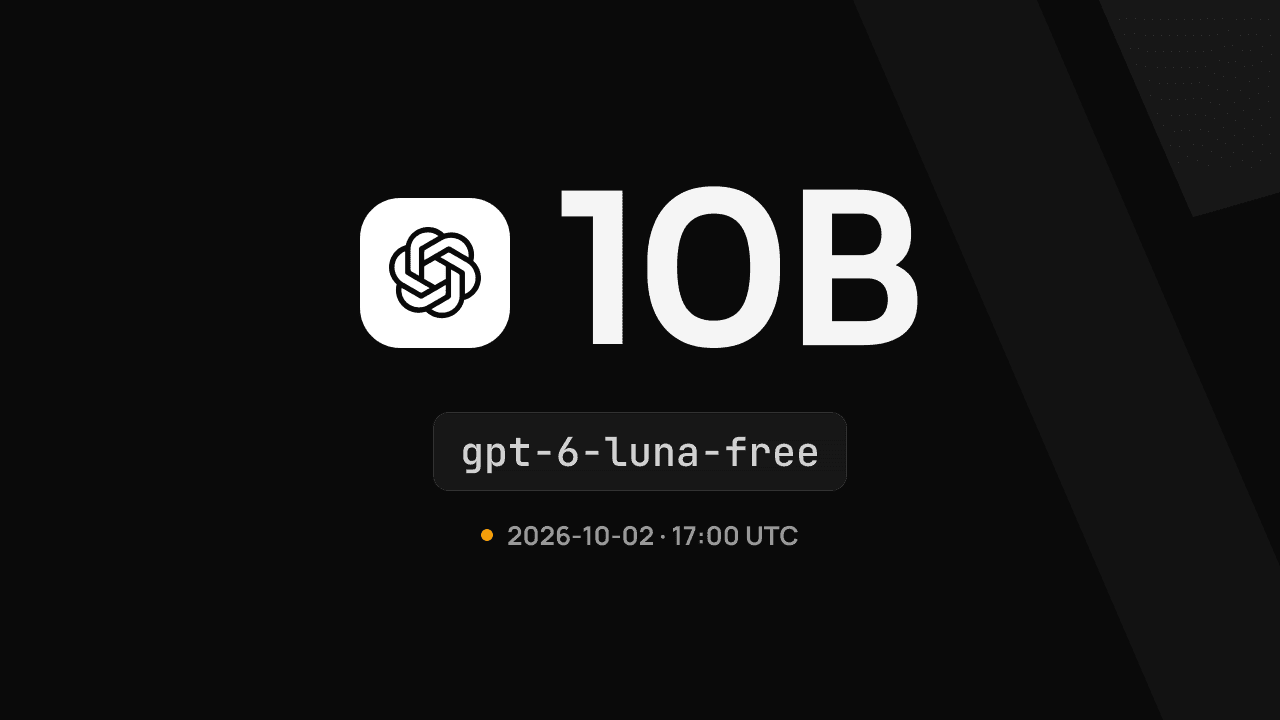
On this page
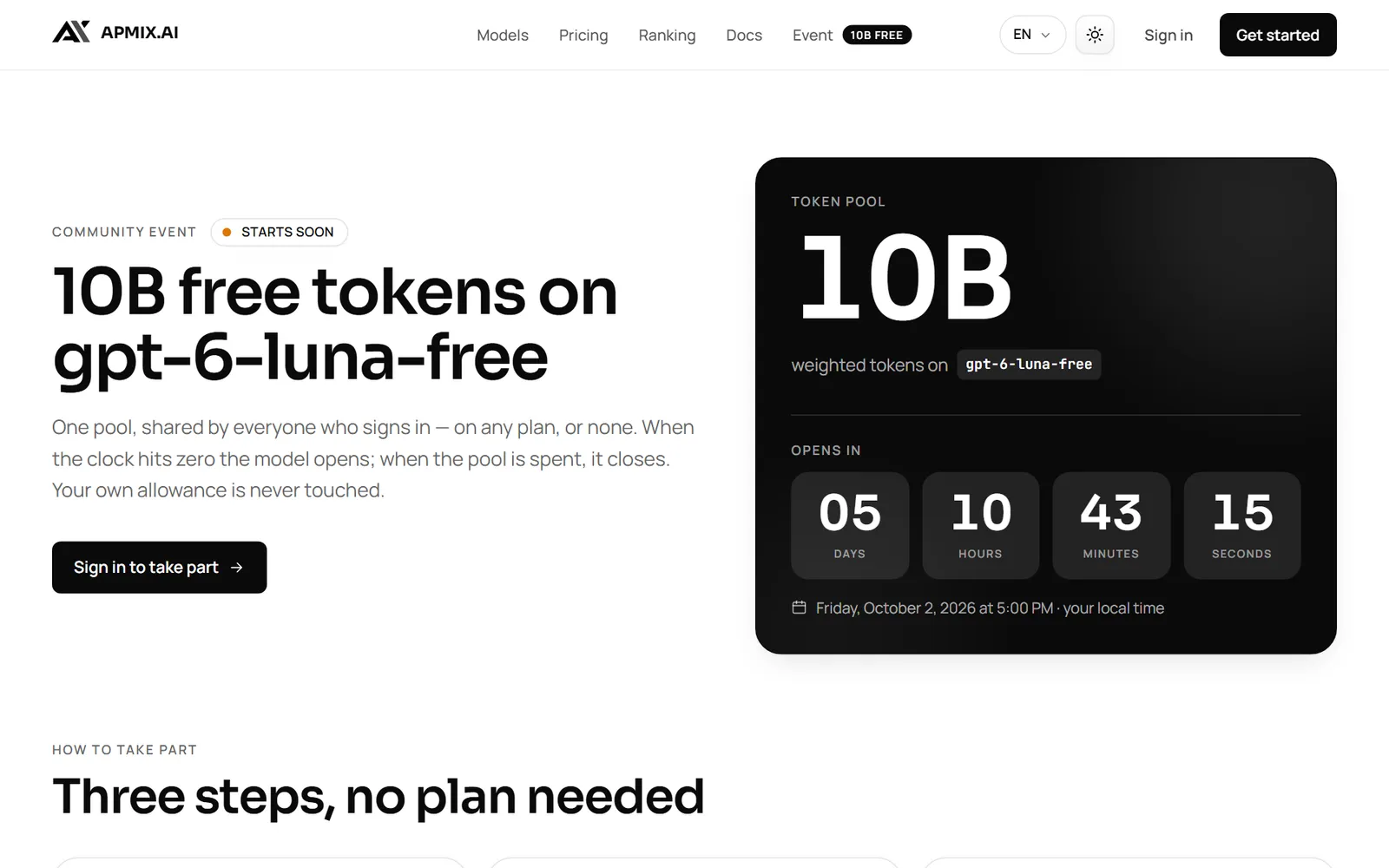
apmix is opening a community event: one shared pool of 10 billion weighted tokens on gpt-6-luna-free, free for every account, on any plan or on none at all. The pool opens on October 2, 2026 at 17:00 UTC and stays open until it is spent.
Your own allowance is never touched. Requests to the event model are paid from the pool, so you can put GPT-6 Luna to work on real tasks without spending a single token of your plan.
What you get
- The model:
gpt-6-luna-free, a free copy of GPT-6 Luna reserved for the event. - The pool: 10,000,000,000 weighted tokens, shared by everyone who takes part.
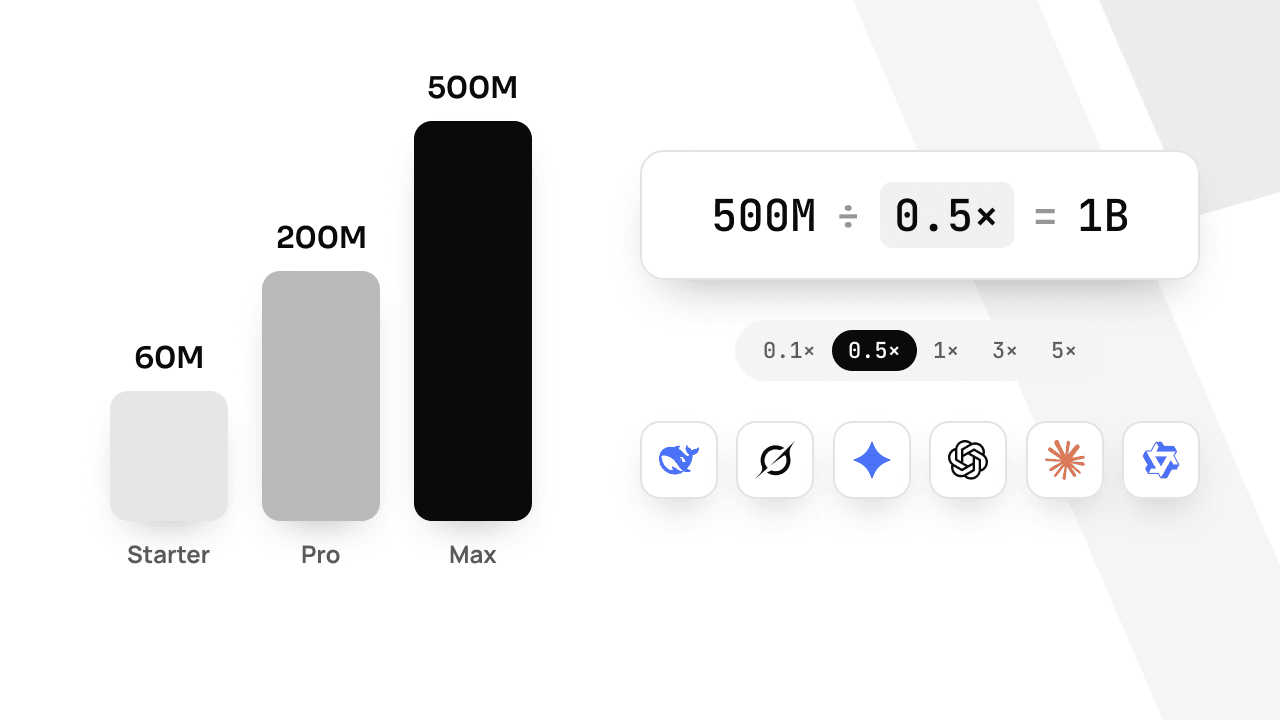
- The rate: 1× — a token is a token, so the pool goes as far as it can.
- Who can join: every apmix account, free, Starter, Pro or Max.
The live countdown, the pool left and the number of developers taking part are on the event page.
How to take part
Three steps, and you can do the first two today so you are ready at the start:
- Sign in. Any account counts. If you are new, signing in with Google, GitHub or an email link creates one.
- Create an API key in Dashboard → API keys. One key works in every tool you use.
- Set the model to
gpt-6-luna-freein your tool and send requests once the event is live.
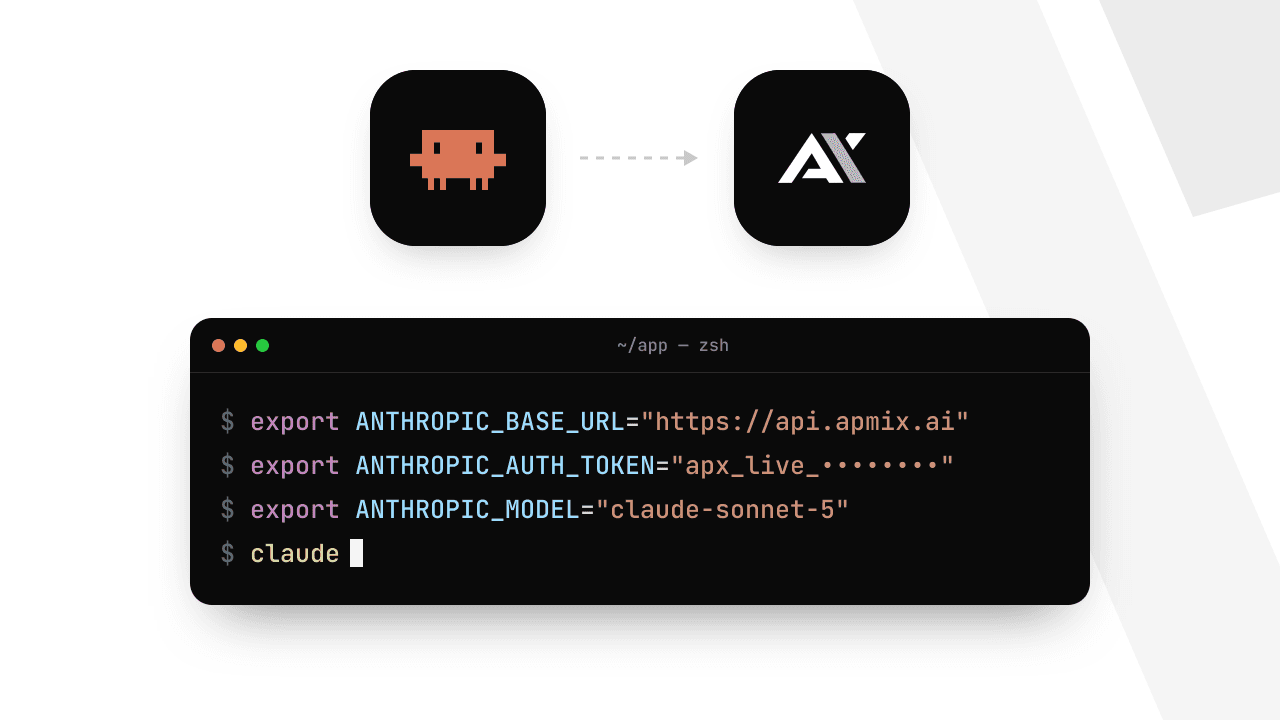
The event needs no special setup: the base URLs are the same as always.
Use it from any tool
Every OpenAI-compatible tool works. The quickest test is a single request:
curl https://api.apmix.ai/v1/chat/completions \
  -H "Authorization: Bearer apx_live_YOUR_KEY" \
  -H "Content-Type: application/json" \
  -d '{"model": "gpt-6-luna-free", "messages": [{"role": "user", "content": "Write a haiku about shared token pools."}]}'
In Codex CLI, start a session on the event model without touching your config:
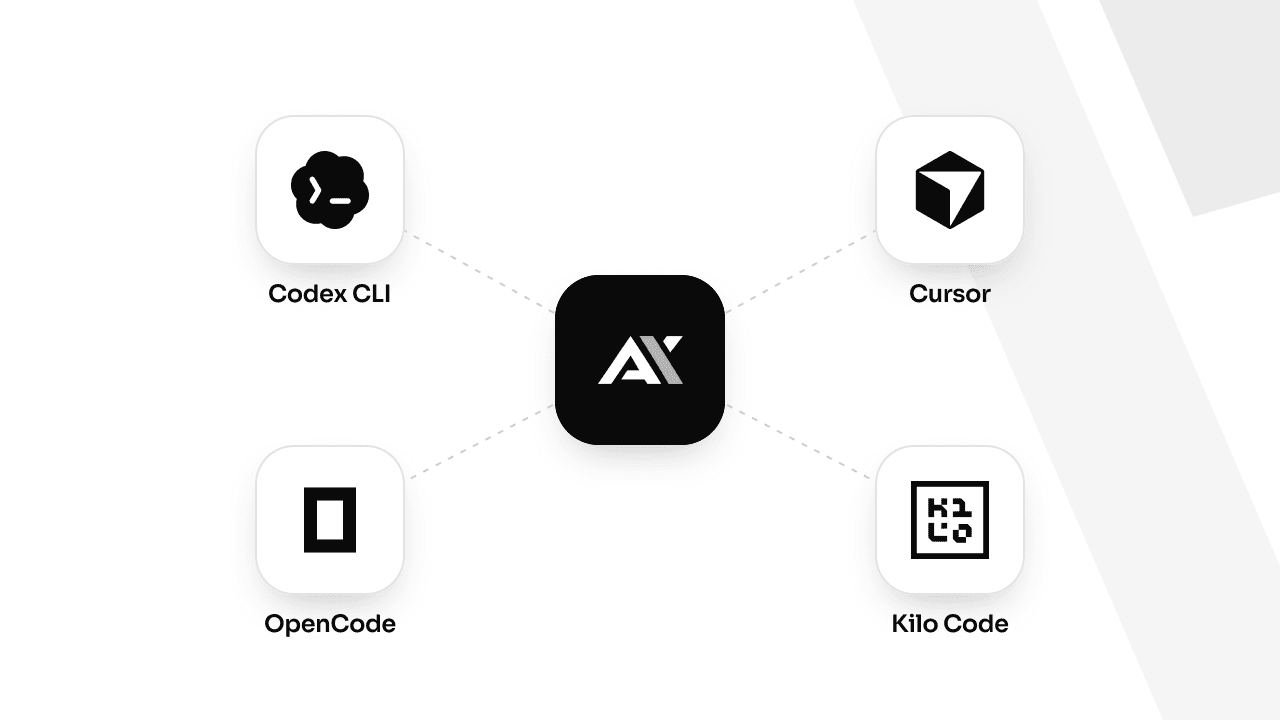
codex --model gpt-6-luna-freeIn Cursor, add gpt-6-luna-free as a custom model, and in OpenCode or Kilo Code add it to the models map of your apmix provider. If you have not connected your tool yet, the setup guide for Codex, Cursor, OpenCode and Kilo Code takes two minutes.
The small print
- The pool is shared by everyone and spent first come, first served. When it is gone, the model answers
event_ended. - Before the start, requests return
event_not_startedwith the opening time in the message. - Your key's usual rate limit applies: 60 requests a minute, 120 on Max.
- Everyone starts at the same instant. The countdown on the event page is the server's clock, shown in your time zone.
- The event can be closed early or replaced at any time; the next one is announced on the event page.
Tips to get the most out of it
- Have your key ready before 17:00 UTC. The pool is first come, first served, and the first hours are the busiest.
- Bring a real task. A backlog of tests to write, a module to document or a migration to plan are all good uses of a free frontier model.
- Keep your plan's models as a fallback. When the pool runs out, switch the model id back to one in your plan and keep working on the same key.
Stay in the loop
Events are announced on the event page, on X and on Telegram, with the start time a few days ahead. Sign in now, so a key is waiting when the clock hits zero.