How to set up Claude Code with apmix in two minutes
Point Claude Code at apmix with three environment variables, make it permanent in settings.json, switch between Claude Sonnet, Opus and Haiku with /model, and keep an eye on your usage.
 The apmix teamPublished 3 min read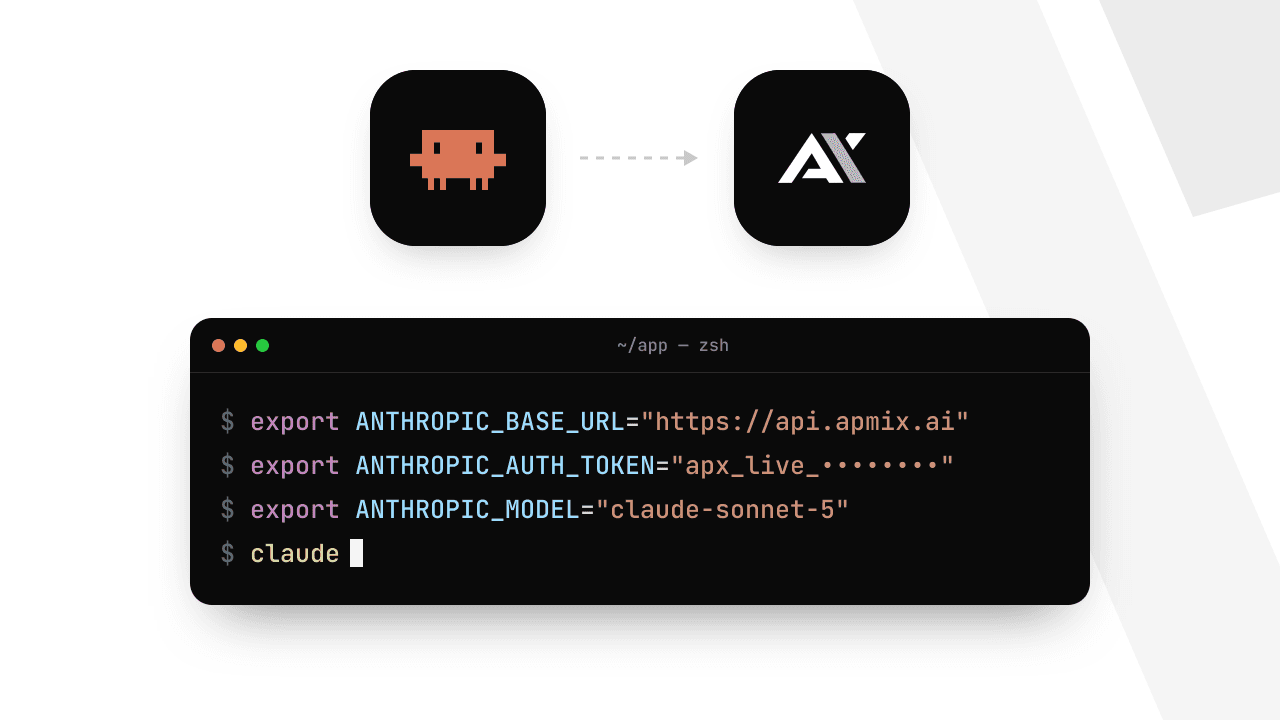
On this page
Claude Code is Anthropic's coding agent for the terminal: it reads your repository, edits files, runs commands and writes tests. It talks to the Anthropic API, and apmix serves that same API. So you can run Claude Code on your apmix key, with the Claude models in your plan and one monthly allowance instead of a separate Anthropic bill.
This guide takes about two minutes. You need an apmix account with an API key (create one in the dashboard) and Node.js 18 or newer.
1. Install Claude Code
Skip this step if claude already runs on your machine.
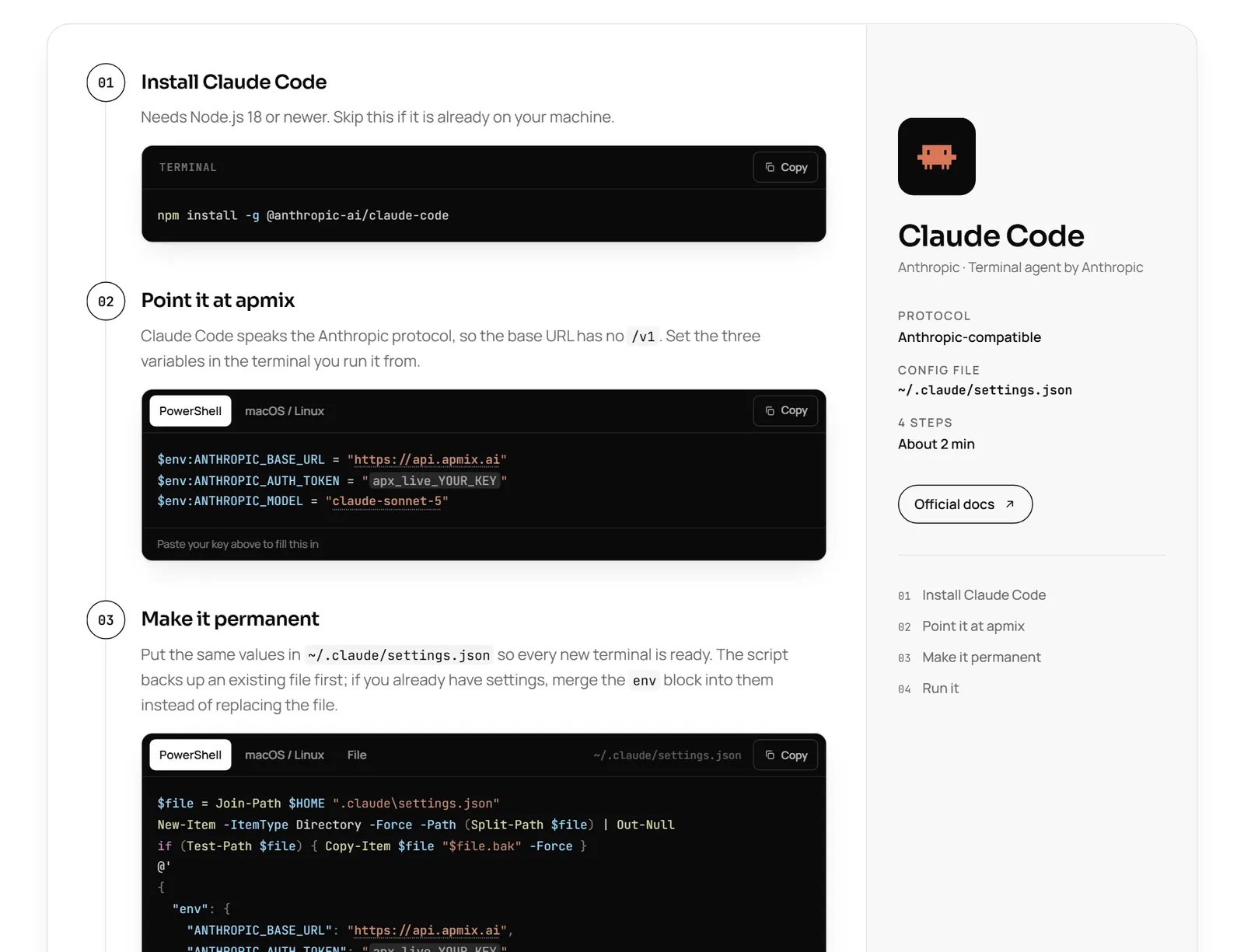
npm install -g @anthropic-ai/claude-code2. Point it at apmix
Claude Code reads three environment variables. Because it speaks the Anthropic protocol, the base URL is https://api.apmix.ai without /v1; Claude Code adds the path itself.
On macOS or Linux:
export ANTHROPIC_BASE_URL="https://api.apmix.ai"
export ANTHROPIC_AUTH_TOKEN="apx_live_YOUR_KEY"
export ANTHROPIC_MODEL="claude-sonnet-5"
On Windows, in PowerShell:
$env:ANTHROPIC_BASE_URL = "https://api.apmix.ai"
$env:ANTHROPIC_AUTH_TOKEN = "apx_live_YOUR_KEY"
$env:ANTHROPIC_MODEL = "claude-sonnet-5"
These last for the current terminal only. That is perfect for a first try; the next step makes them permanent.
3. Make it permanent
Claude Code also reads its settings from ~/.claude/settings.json. Put the same values in its env block and every new terminal is ready:
{
  "env": {
    "ANTHROPIC_BASE_URL": "https://api.apmix.ai",
    "ANTHROPIC_AUTH_TOKEN": "apx_live_YOUR_KEY",
    "ANTHROPIC_MODEL": "claude-sonnet-5"
  }
}The docs have one-line scripts for PowerShell and bash that write this file for you and keep a backup of the old one.
4. Run it
Open your project and start Claude Code:
cd your-project
claude
That is it: every request now goes through apmix and is counted against your plan's allowance.
Switch models with /model
Inside Claude Code, type /model to change the model for the session, using any Claude id from the catalog:
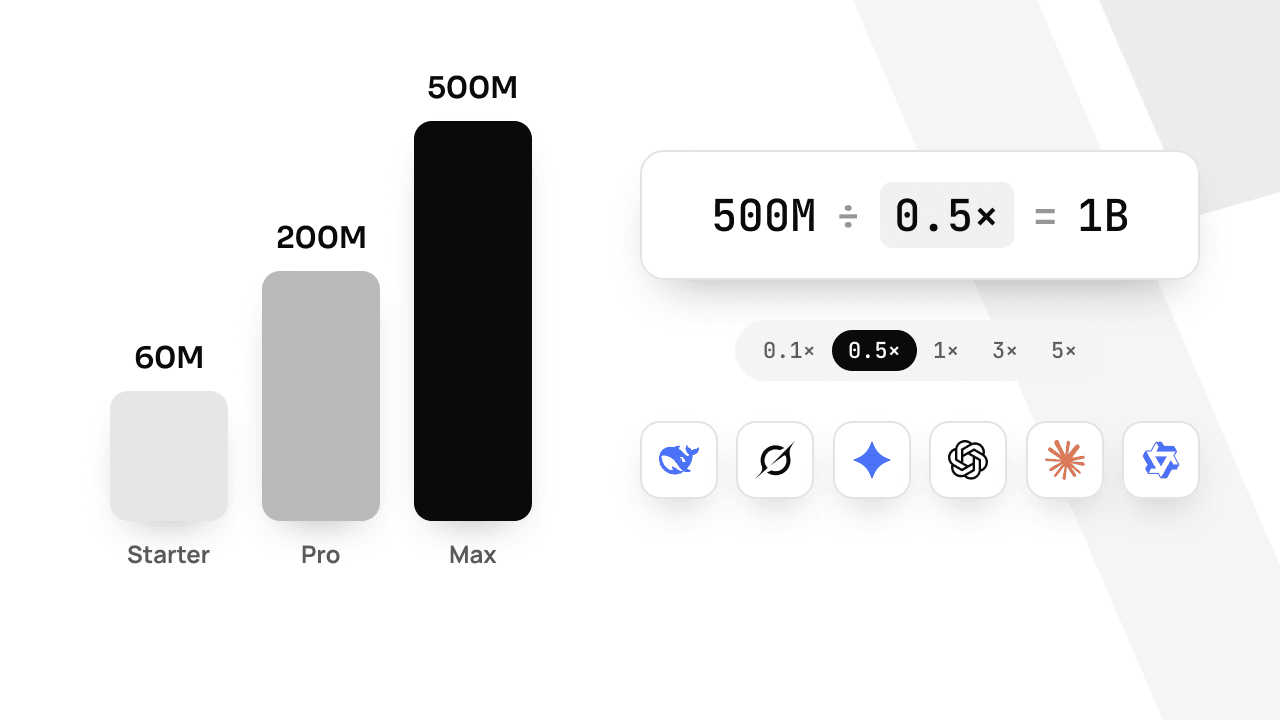
Each model has its own weighted-token multiplier, listed on the pricing page. A lighter model for routine work makes the same allowance last much longer; see weighted tokens, explained.
Check that the key works
If something looks wrong, list the models your key can reach. A JSON list back means the key and the URL are right:
curl https://api.apmix.ai/v1/models -H "Authorization: Bearer apx_live_YOUR_KEY"The most common answers, and what to do:
- 401
invalid_api_key: the key is wrong or was deleted. Copy it again from Dashboard → API keys. - 403
model_not_in_plan: the model is above your plan.GET /v1/modelslists only what your plan can call; pick one of those or upgrade. - 429
rate_limit_exceeded: more than 60 requests in a minute on one key (120 on Max). Wait the seconds inretry-after.
Every error is explained in the error reference, and every response carries an x-apmix-request-id header to quote if you write to support.
Keep an eye on usage
Agents are hungry: a long Claude Code session can send millions of tokens. Three things help:
- Watch Dashboard → Logs, which shows every request live with its model, tokens and cost.
- Set optional daily or weekly limits in Settings, so a runaway session cannot empty the month.
- Turn on email alerts at 50, 70, 80 or 90% of your allowance.
With that in place, Claude Code on apmix feels exactly like Claude Code, with one key and one bill for everything else you run.