Meet ApmixBot: your own team of AI Bots on Android
ApmixBot is the new Android app from apmix: a team of AI Bots, run by Chief, that research with sources, work in Gmail, Notion and 46 more apps, and make real files. What it does, how it runs on your apmix key, and when it is out.
On this page
ApmixBot is our new app for Android, and it is coming soon to Google Play. It puts a team of AI assistants on your phone instead of a single chatbot: Chief, the Main Bot, sets up the specialists you need, hands out the work and brings the answers back to you. It needs no account, keeps everything on the phone, and runs on the AI provider you choose, apmix included.
Here is what it does, shown with screens from the app, and how to run it on your apmix key.
A team, not one chatbot
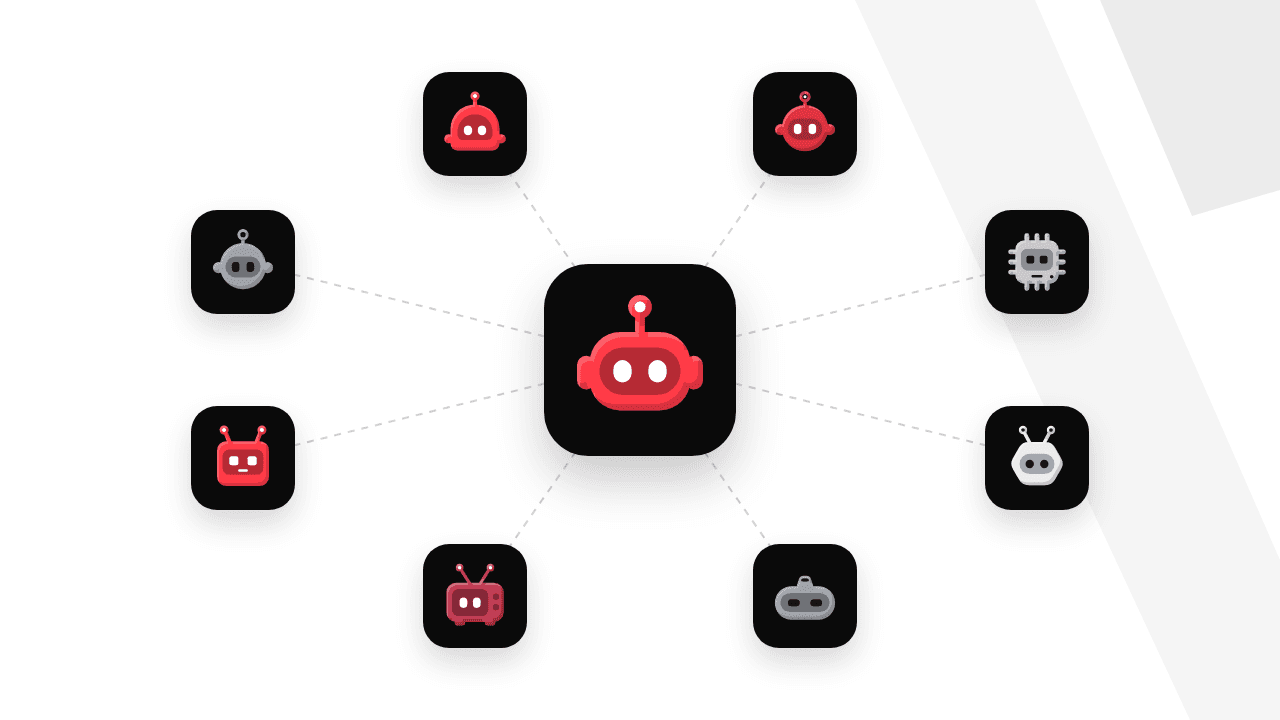
Every Bot in ApmixBot is a specialist with its own instructions, memory and chat. Chief, your first Main Bot, creates and changes Bots and group chats as the work needs them; only you can delete one. The gallery has a Researcher, an Analyst, a Developer, an Email Assistant, a Writer, a Planner, a Translator and a News Brief ready to add in one tap, and you can describe a new one in a sentence.
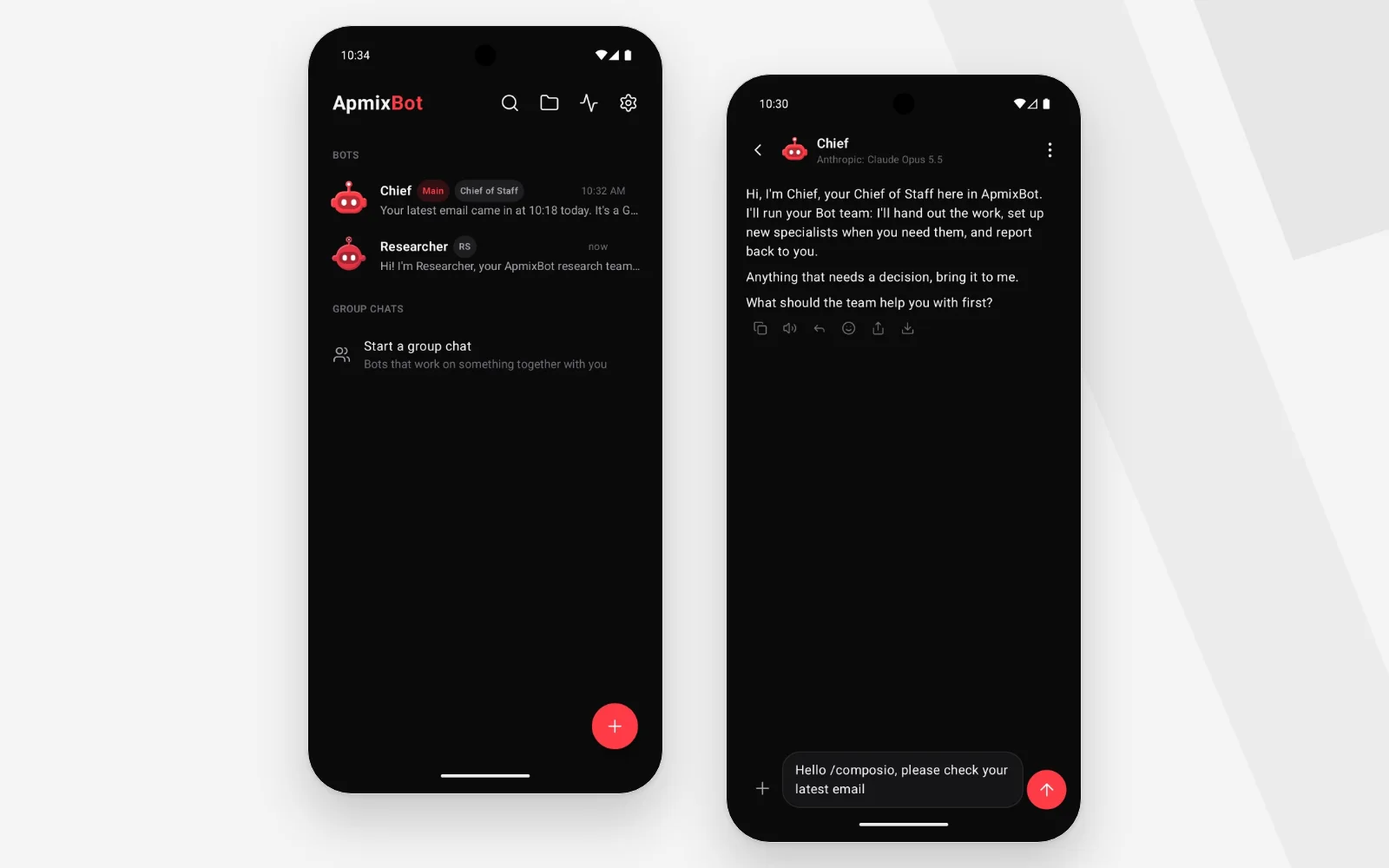
Bots hand work on to each other: one can ask another for help and wait, and the reply goes back to the Bot that asked once everything it handed on is back. In a group chat, an admin answers and calls the others with @Name, or everyone answers in turn.
Your apps, through MCP
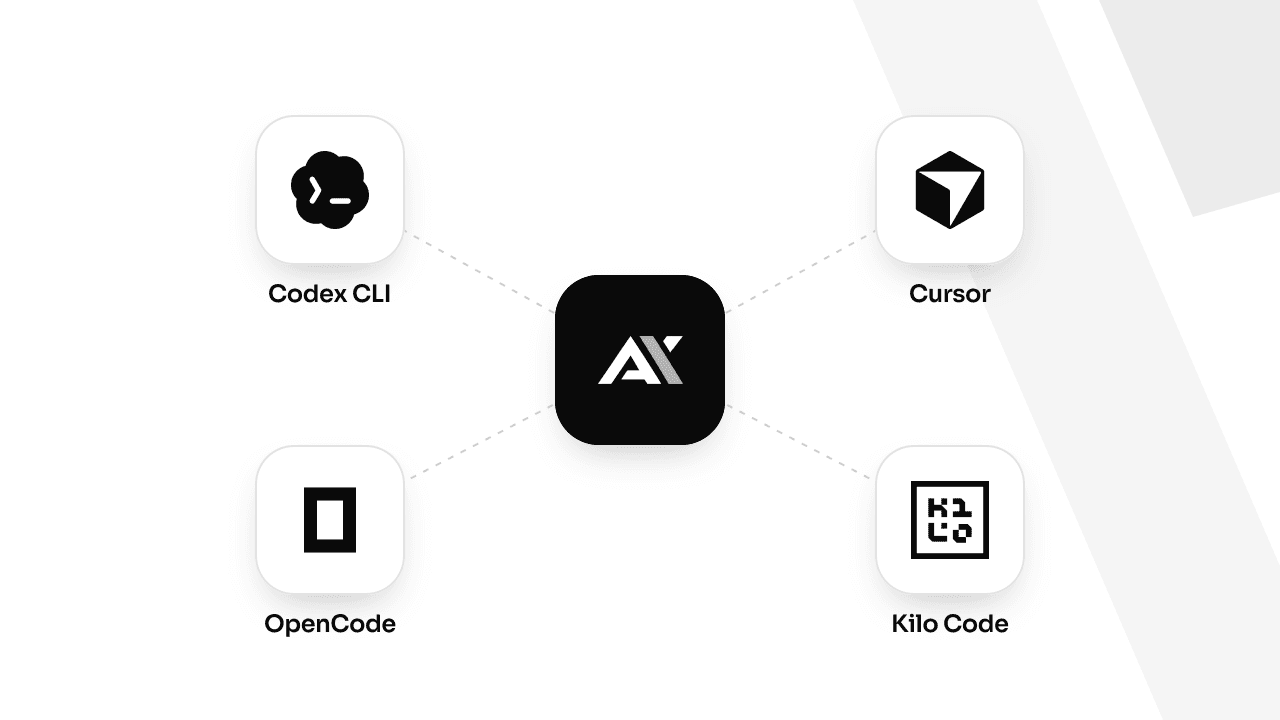
ApmixBot connects to 48 apps through the Model Context Protocol (MCP): Gmail, Google Calendar, Drive, Docs and Sheets, Notion, Linear, GitHub, Vercel, Stripe and more. Sign in once, or paste the app's key. Then, in any chat, type / and the app's name, /gmail for example, to hand it to a Bot.
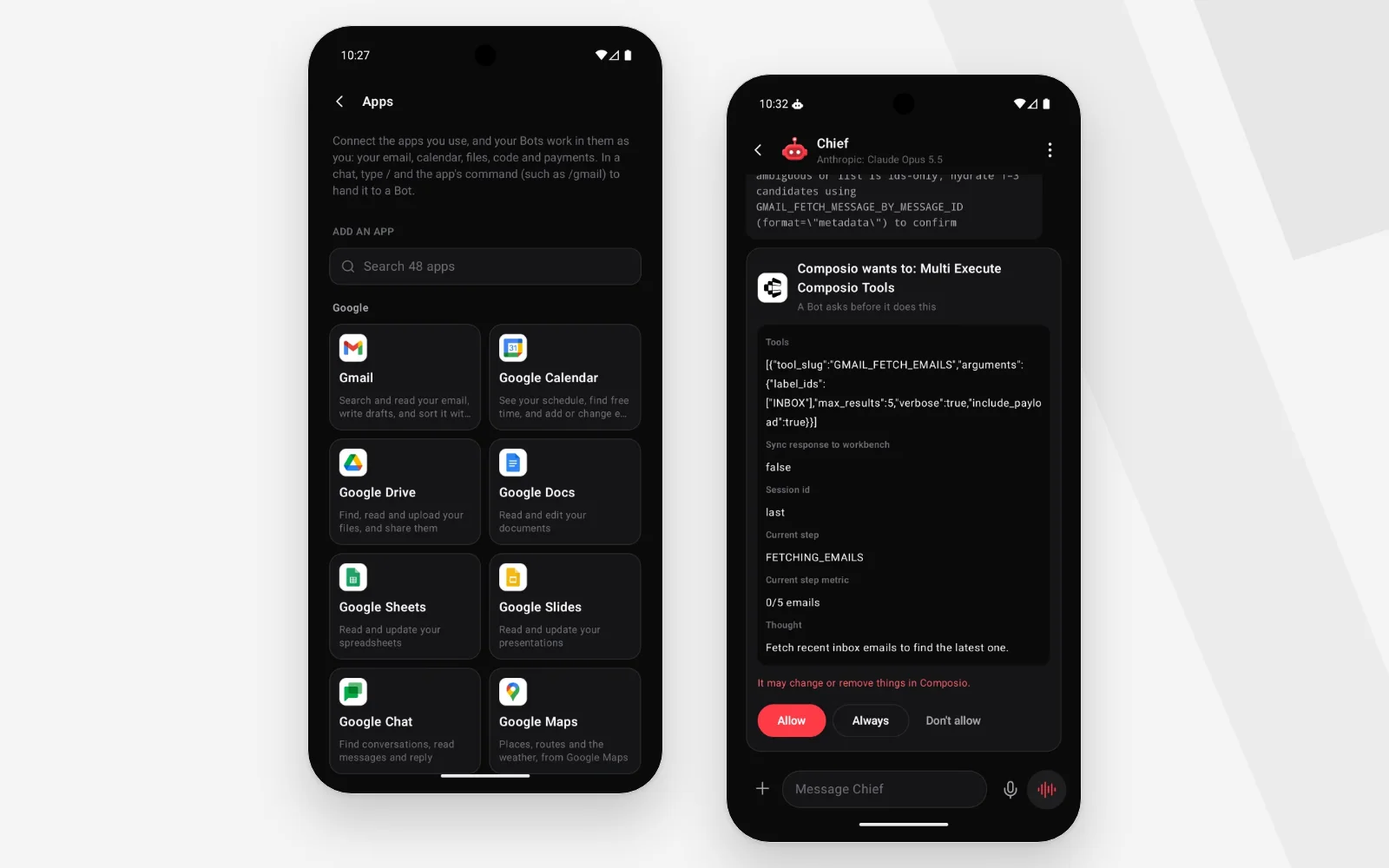
A Bot asks before it changes anything in a connected app, with Allow, Always or Don't allow, and you choose app by app how often it asks. Gmail and the Google apps can be linked with no setup through Composio, and any other MCP server can be added by its address.
Answers with their sources
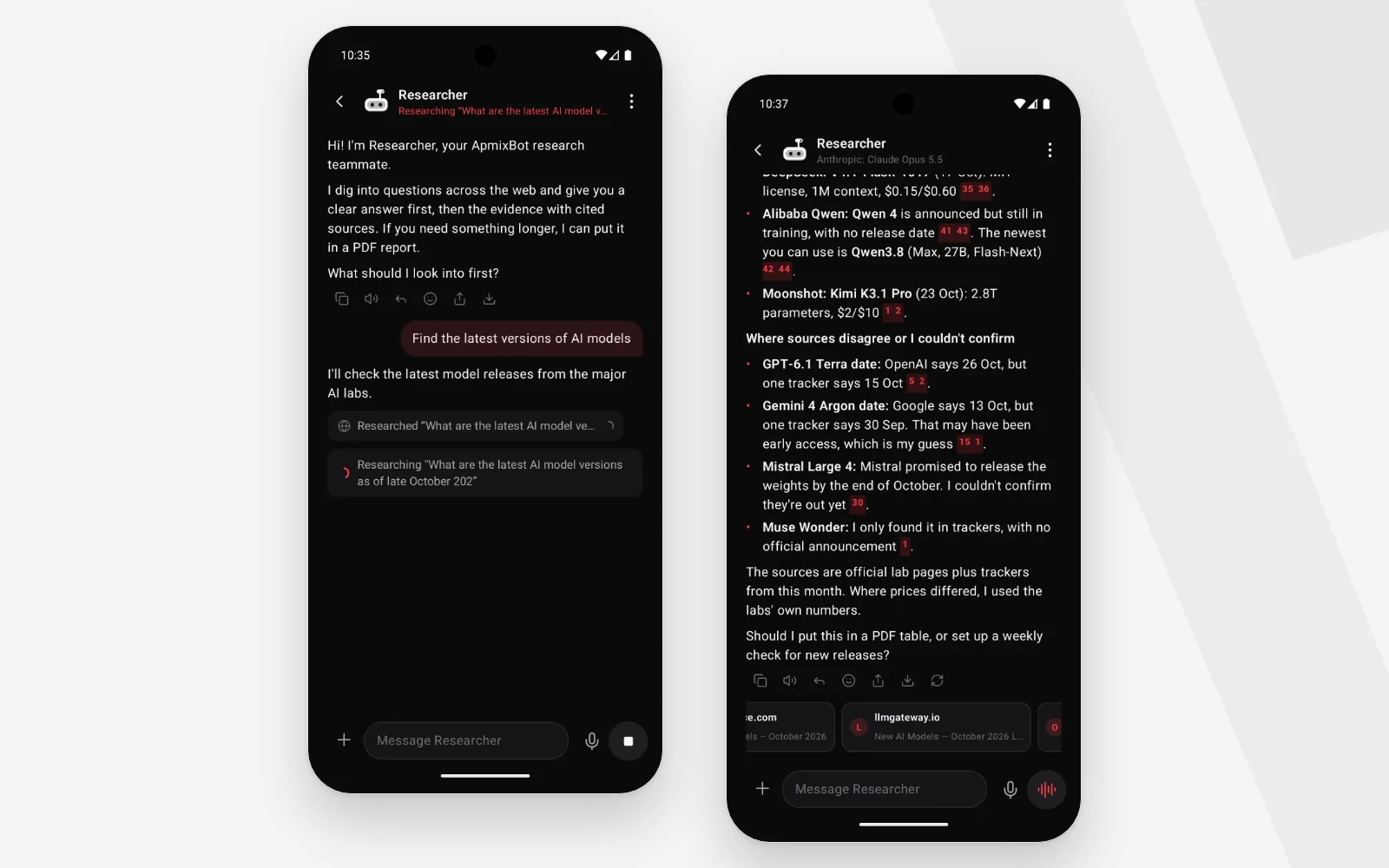
A Researcher runs several searches at once, reads the best pages from different sites and keeps the passages that answer you. Every claim comes with a numbered link to its source, and news can be limited to the last day, week or month.
Ask for a PDF, get a PDF
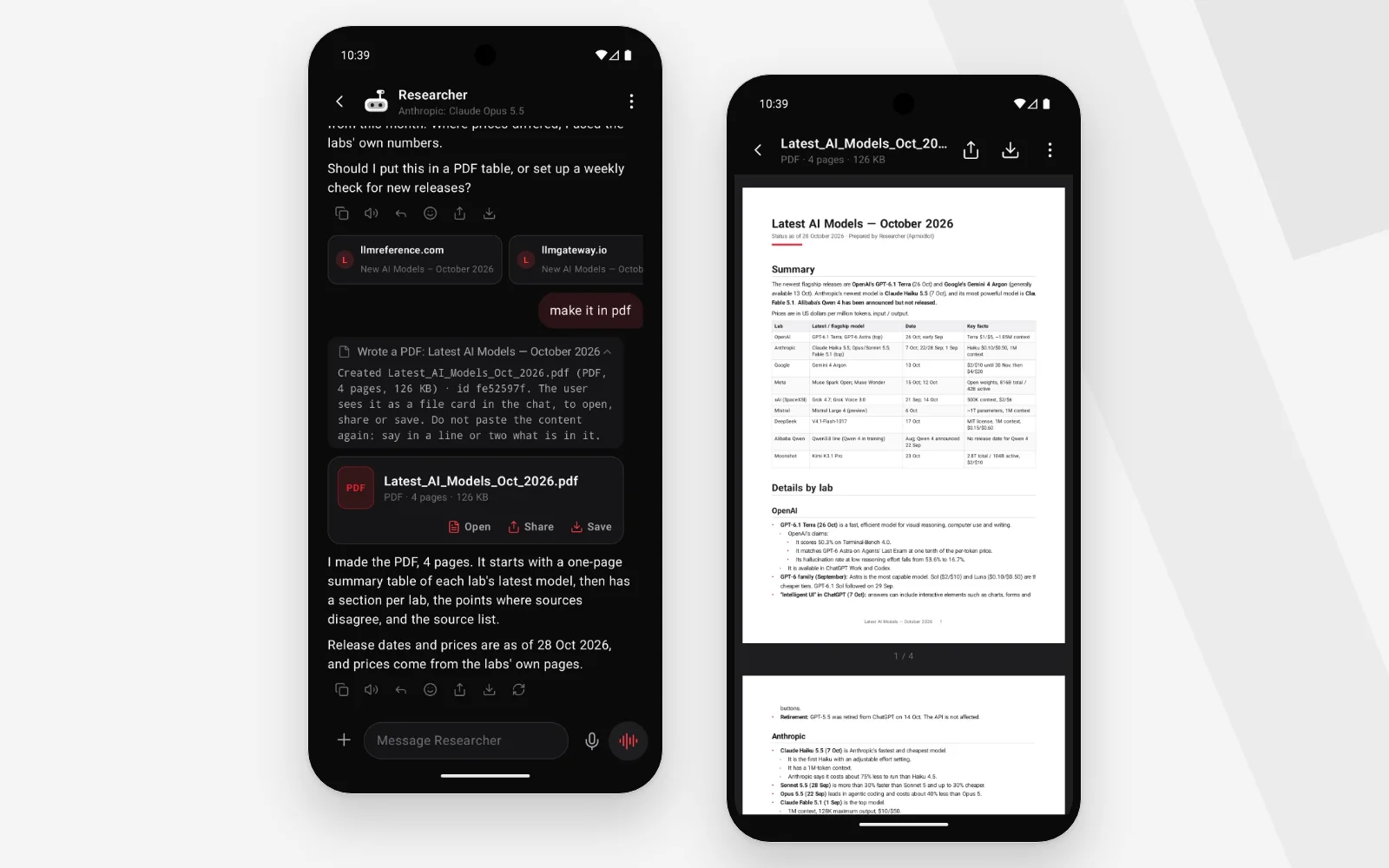
Bots make real files: reports laid out for print, Word documents, Excel workbooks with formulas, slide decks, charts, and web Pages such as dashboards and trackers. Each file is a card in the chat to open, share or save.
Routines run a Bot on a schedule and send you a notification, voice chats work hands-free, skills save a way of doing a task once for every Bot, and each Bot keeps a memory of what matters to you.
Your data stays on the phone
There is no ApmixBot account and no ApmixBot server. Your Bots, chats, files and memory are stored on your phone and left out of cloud backups, and provider keys and app sign-ins are encrypted with the Android Keystore. What a Bot works on goes only to the AI provider it runs on, the apps you connect and the sites it reads. The details are in the ApmixBot Privacy Policy.
Run it on your apmix key
ApmixBot works with any provider that speaks Chat Completions, Responses or Messages, and apmix speaks all three. One apmix key gives your Bots every model on your plan, and each Bot can run on a model of its own.
- Sign in to apmix and create a key in your dashboard.
- In ApmixBot, add a provider with one of the base URLs above and your key.
- Give each Bot its model: any id from the model catalog, Chief on one and the Researcher on another.
Your Bots' requests go straight from your phone to api.apmix.ai, and what they use counts against your plan like any other tool.
When is it out?
ApmixBot is in its last round of testing and is coming to Google Play for Android 8.0 and newer. The ApmixBot page links to it the day it is out. Until then, get your apmix key now, and your Bots have every top model on day one.